



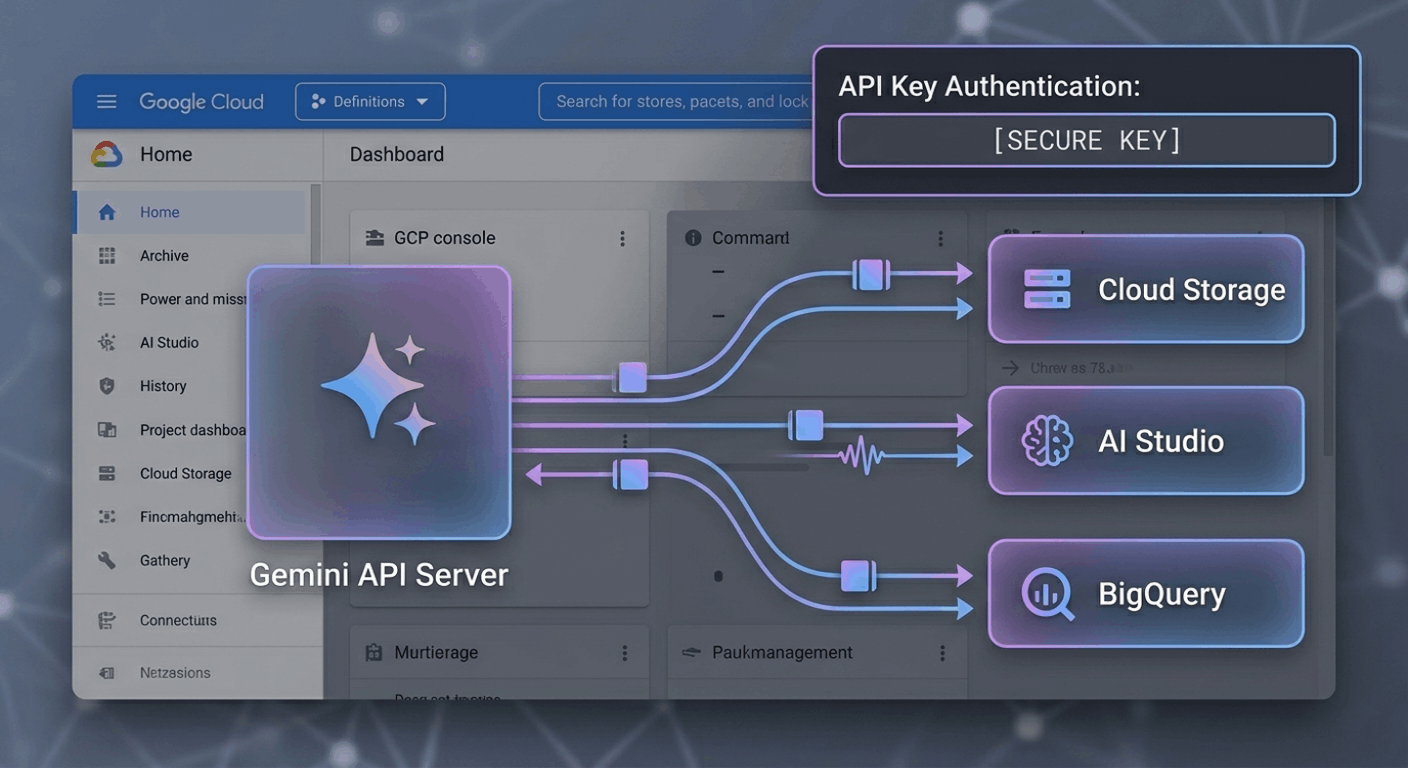
Google Gemini API URL is the official endpoint used to connect applications with Google’s Gemini AI models. Through these endpoints, developers can send prompts, process data, and receive AI-generated responses for use in websites, mobile applications, chatbots, automation tools, and other software systems. Accessing the correct API URL and understanding authentication requirements are essential for successful integration. This guide explains the official Gemini API endpoints, API key generation process, request examples, supported programming languages, available Gemini models, common API errors, and implementation best practices for developers.
Official Gemini API Endpoint
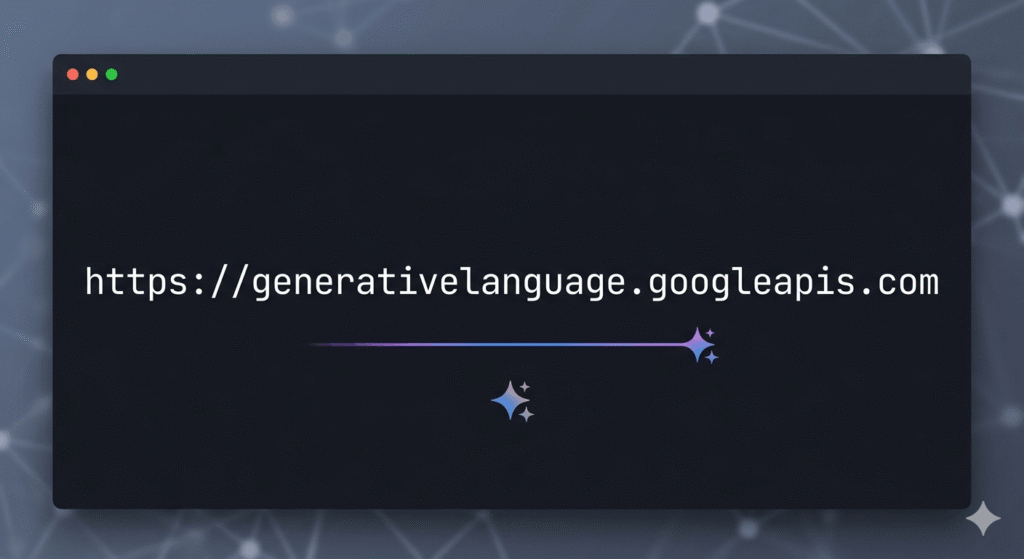
For Gemini model requests, developers typically use:
Specific model example:
Google may update model versions over time, so developers should always check the latest documentation before deployment.
How to Get a Google Gemini API URL
A Gemini API key is required to authenticate requests sent to Google’s Generative Language API. Without a valid API key, applications cannot access Gemini models or generate responses. Google provides API keys through AI Studio, where developers can create and manage credentials for their projects.
Create a Gemini API Key
To generate an API key, open Google AI Studio and sign in with a Google account. Navigate to the API Keys section and create a new key for your project. Once generated, copy the key and store it securely, as it will be used in all API requests.
Use the API Key in Requests
The API key must be included with each request sent to the Gemini API. Google uses the key to verify access permissions, monitor usage, and apply quota or billing limits associated with the project.
Google Gemini API URL Request Example
After generating an API key, developers can send requests to Gemini models through the official API endpoint. Requests are typically made using REST APIs, SDKs, or command-line tools such as cURL.
cURL Request Example
curl "https://generativelanguage.googleapis.com/v1beta/models/gemini-2.5-pro:generateContent?key=YOUR_API_KEY" \

-H 'Content-Type: application/json' \

-X POST \

-d '{

  "contents": [{

    "parts":[{"text":"Explain artificial intelligence"}]

  }]

}'
This request sends a text prompt to the Gemini model and returns a JSON response containing the generated output. The response can then be processed and displayed within an application.
Available Gemini Models
Google offers multiple Gemini models optimized for different performance, speed, and cost requirements. Selecting the appropriate model depends on the complexity of the task and the expected response time.
Gemini 2.5 Pro
Gemini 2.5 Pro is designed for advanced reasoning, research, coding, and complex problem-solving tasks. It is typically used when response quality and analytical capabilities are the highest priority.
Gemini 2.5 Flash
Gemini 2.5 Flash focuses on faster response times and lower latency. It is commonly used for chat applications, real-time interactions, and high-volume workloads.
Gemini Flash Lite
Gemini Flash Lite is a lightweight model intended for cost-efficient deployments. It is suitable for basic AI tasks where lower resource consumption is more important than advanced reasoning capabilities.
Choosing the Right Gemini Model
The best Gemini model depends on application requirements. Pro models prioritize accuracy and reasoning, Flash models prioritize speed, and Lite models prioritize efficiency and lower operational costs.
Supported Programming Languages and Integration Methods
Google Gemini APIs can be accessed through multiple programming languages and development frameworks. Google provides official SDKs and libraries that simplify authentication, request handling, and response processing. In addition to SDK support, developers can interact with Gemini models directly through REST API endpoints, making the platform compatible with a wide range of software environments.
Python Integration
Python is one of the most commonly used languages for Gemini development. Google’s Python SDK enables developers to build AI applications, automation workflows, data-processing tools, and machine learning projects with minimal configuration.
JavaScript and Node.js Integration
JavaScript and Node.js support allow Gemini models to be integrated into web applications, browser-based tools, and server-side environments. Developers can use official libraries or direct API requests to interact with Gemini services.
Go and Java Integration
Google also provides support for Go and Java, enabling enterprise applications and backend systems to connect with Gemini models. These languages are frequently used in large-scale production environments where performance and reliability are critical.
REST API Access
Gemini APIs can be accessed through standard HTTP requests without requiring a dedicated SDK. This approach allows integration with virtually any programming language capable of sending REST requests and processing JSON responses.
Common Gemini API Errors
When working with Gemini APIs, developers may encounter authentication, quota, or request validation errors. Understanding these errors helps identify configuration issues and reduces troubleshooting time during development and deployment.
Invalid API Key
This error occurs when an API key is missing, incorrect, revoked, or associated with an unauthorized project. Requests cannot be processed until a valid key is supplied.
Quota Exceeded
Google enforces usage limits on API requests. When a project exceeds its allocated quota, additional requests may be temporarily blocked until limits reset or higher quotas are assigned.
Permission Denied
Permission-related errors typically occur when a project lacks the required access privileges or when API services have not been properly enabled within the Google Cloud environment.
Invalid Request Format
This error indicates that the request payload does not match the required API structure. Common causes include malformed JSON, missing parameters, or unsupported request fields.
Gemini API vs OpenAI API
Google Gemini API and OpenAI API are two widely used platforms for accessing generative AI models through programmatic interfaces. Both provide support for text generation, multimodal processing, and application integration, but they differ in ecosystem integration, model architecture, and deployment options.
Ecosystem and Infrastructure
Gemini API is closely integrated with Google’s infrastructure and services, including Google Cloud and other Google development tools. OpenAI API supports direct integrations and is also available through Microsoft Azure services.
Model Availability
Google provides access to various Gemini model families optimized for different performance requirements. OpenAI offers GPT models designed for conversational AI, reasoning, content generation, and software development tasks.
Development Experience
Both platforms provide comprehensive documentation, SDK support, and REST API access. Developers can build applications using common programming languages while managing authentication, usage monitoring, and deployment through their respective ecosystems.
Choosing Between Gemini and OpenAI
The choice between Gemini API and OpenAI API depends on project requirements, infrastructure preferences, supported workflows, and integration needs. Organizations already using Google services may prefer Gemini, while teams working within OpenAI or Azure environments may choose OpenAI APIs.
Best Practices for Google Gemini API URL Endpoints
Following established API security and development practices helps maintain reliable application performance and protects access credentials from unauthorized use. Proper implementation also reduces operational risks in production environments.
Secure Google Gemini API URL Credentials
API keys used with the Google Gemini API URL should be stored in secure environments such as encrypted configuration systems or environment variables. Keys should never be exposed in public repositories, frontend applications, or client-side code.
Manage Google Gemini API URL Request Limits
Monitoring usage associated with the Google Gemini API URL helps prevent quota-related issues and service interruptions. Implementing rate-limiting mechanisms can improve application stability during periods of high API traffic.
Validate Data Before Sending Requests to the Google Gemini API URL
User input should be validated before it is sent to the Google Gemini API URL. Proper validation reduces request failures, improves data quality, and helps prevent unexpected processing behavior.
Optimize Google Gemini API URL Response Handling
Applications can improve efficiency by caching frequently requested responses from the Google Gemini API URL and implementing structured error-handling mechanisms. This approach can reduce unnecessary API calls and improve overall application performance.
Overall Experience
Google Gemini API provides a straightforward way to access Google’s AI models through well-documented endpoints and SDKs. The setup process is relatively simple, particularly for developers already familiar with Google Cloud services and APIs. One aspect that stands out is the availability of multiple model options, allowing developers to choose between performance, speed, and cost requirements. The documentation, authentication process, and language support make integration manageable for both small projects and larger applications. Overall, the platform offers a structured development experience for building AI-powered solutions.
Conclusion
The Google Gemini API URL serves as the entry point for accessing Gemini models through Google’s Generative Language API. Developers can use these endpoints to send prompts, process data, and receive AI-generated responses within their applications. Successful implementation requires a valid API key, the appropriate Gemini model, and properly structured API requests. Understanding supported endpoints, authentication requirements, common errors, and integration methods helps ensure reliable API usage. Following Google’s recommended security and development practices can also improve application stability and maintain secure access to Gemini services.
FAQS
What is the official Google Gemini API URL?
The official Google Gemini API URL is hosted through Google’s Generative Language API service. Developers use this endpoint to send requests to Gemini models and receive AI-generated responses. The exact endpoint may vary depending on the model version being used. Google recommends using the latest documented endpoints to ensure compatibility and access to new features.
How do I get a Google Gemini API URL?
A Gemini API key can be created through Google AI Studio. After signing in with a Google account, developers can generate an API key and use it to authenticate API requests. The key identifies the project, tracks API usage, and applies any associated quotas or billing limits. Without a valid API key, Gemini API requests cannot be processed.
Which programming languages support the Gemini API?
Google Gemini API supports multiple programming languages through official SDKs and REST APIs. Commonly used options include Python, JavaScript, Node.js, Go, and Java. Developers can also access Gemini models from other languages by sending standard HTTP requests to the API endpoints. This flexibility allows integration across different application environments.
What are the most common Google Gemini API errors?
Common Gemini API errors include Invalid API Key, Quota Exceeded, Permission Denied, and Invalid Request Format. These errors are usually related to authentication issues, usage limits, access permissions, or incorrect request structures. Reviewing the API response details can help identify the exact cause of the problem and speed up troubleshooting.
What is the difference between the Google Gemini API and the OpenAI API?
Google Gemini API and OpenAI API both provide access to advanced generative AI models through developer-friendly interfaces. Gemini is integrated with Google’s ecosystem and cloud services, while OpenAI offers GPT models through its own platform and Azure integrations. The choice between them typically depends on project requirements, infrastructure preferences, model capabilities, and deployment needs.